Integrations
Built for the directories you already run.
GraphnAI reads Active Directory through the Identity Bridge, Entra ID through Microsoft Graph, and Windows security events through an OpenTelemetry collector.
Read the docsActive Directory
An Identity Bridge that only dials out.
The Identity Bridge runs in your network, usually as a Docker container, and makes one outbound mutual TLS connection to GraphnAI. You open no inbound ports and need no VPN.
- One setup bundle. Creating a bridge gives you a ready-to-run Docker Compose file, certificates included.
- A plain domain user is enough. It needs read access, never a Domain Admin. Read-only mode lets you check collection before you allow any fixes.
- Several domains and forests. One bridge can sync several. Service account passwords stay encrypted in GraphnAI and live only in the bridge’s memory.
- Domain auto-discovery. Point it at a domain and it finds the domain controllers.
In the graph
The edges an attacker would use, built on the server.
The bridge sends only objects, and GraphnAI works out the relationships. Each stays Theoretical or Constrained until telemetry sees it in use.
A dangerous right is an edge, not a footnote.
Memberships, ownership, SID history, delegation, and rights such as GenericAll, WriteDacl and AddKeyCredentialLink. DCSync appears when one identity holds both replication rights.
Who controls a GPO controls the computers it applies to.
The bridge reads each GPO from SYSVOL, and GraphnAI uses it to work out who is a local administrator where.
Trusts that escalate, and the ones that don’t.
Inside a forest, any trust that isn’t quarantined is an escalation path. Across forests, GraphnAI flags a trust only when SID filtering is off or relaxed.
Microsoft Entra ID
Entra ID without the app registration chores.
Choose Entra ID in the setup wizard and sign in with Microsoft. GraphnAI creates its own app registration and requests the read permissions it needs.
A Global or Privileged Role Administrator approves read-only access, and the first sync starts seconds later. The same tenant can sign your team in, be collected, or both. Tenants and forests share one graph.
- Users, groups and members
- Directory roles, and PIM eligible roles on P2 or Governance
- Service principals, app registrations and Graph permissions that can lead to Global Administrator
- OAuth2 grants, rated by their most dangerous scope
- Conditional Access policies and who they name
Telemetry
Security events show which access is in use.
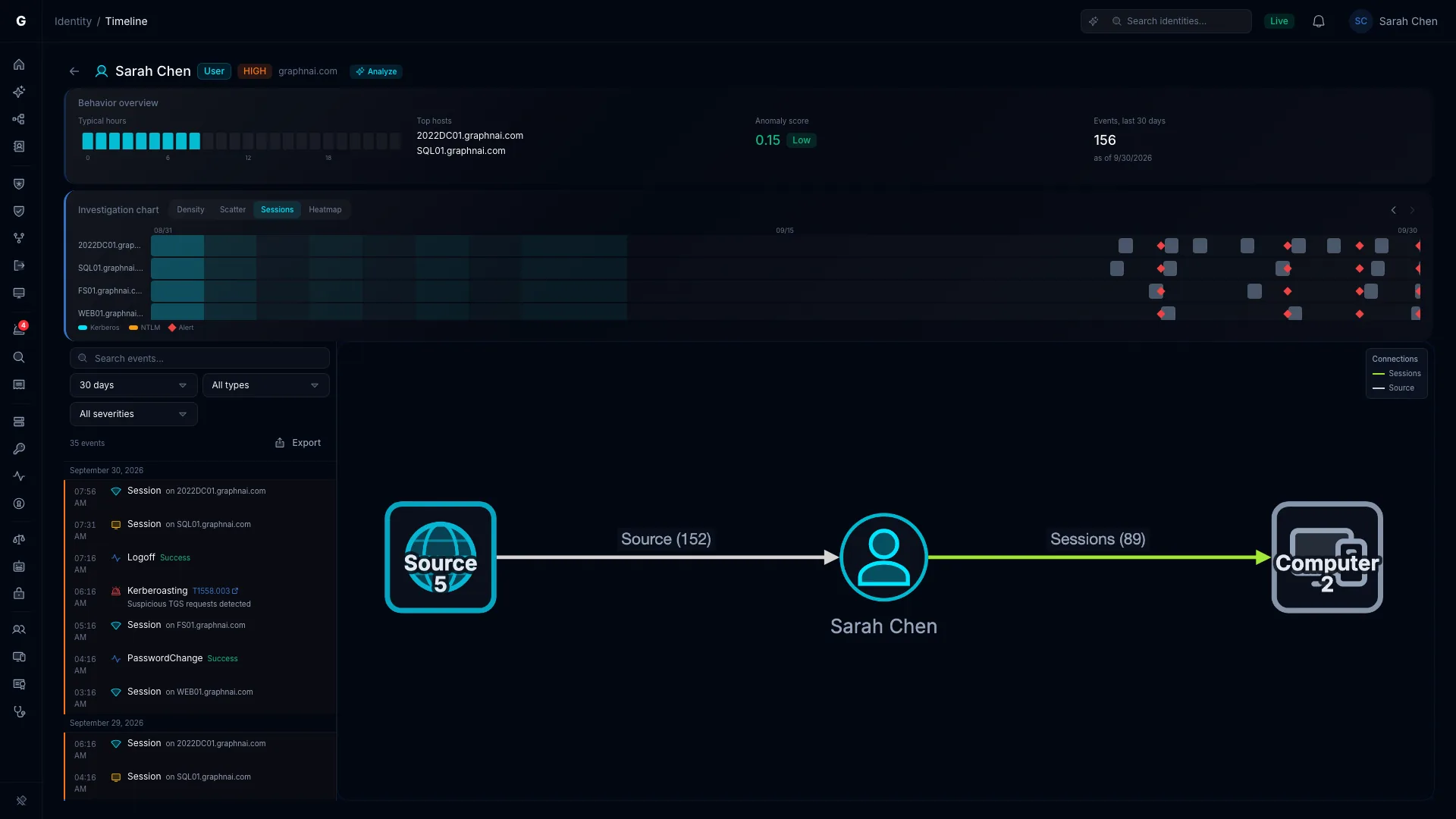
A directory sync shows what access could happen. Events show what did. An OpenTelemetry Collector on your domain controllers or a Windows Event Forwarding server sends their events to GraphnAI.
- Config written for you. Already run Splunk’s OpenTelemetry Collector? Add the GraphnAI pipeline to it.
- Validated, edge by edge. A sign-in becomes a Validated session from the user to the computer, and an observed group addition validates that membership.
- Detections. The same events feed rules for Kerberoasting, DCSync, password spray and more.
- Your own shipper. Post raw Windows Security events as JSON to a REST endpoint over mutual TLS.
Signing in to GraphnAI
Your team signs in with the identity provider you already trust.
Pick one in the setup wizard and change it later with no downtime.
Microsoft Entra ID
Set up automatically, or enter the app details yourself.
Okta
A guided form for your Okta authorization server.
Amazon Cognito
A user pool with a hosted UI domain.
Any OpenID Connect provider
Any standards-compliant issuer, such as Google Workspace.
Your own Active Directory
Passwords checked against your domain controllers over LDAPS. Groups grant roles by SID, so renaming one keeps its access.
Okta, Cognito and other OpenID Connect providers only sign your team in. GraphnAI doesn’t collect identities from them.
The API
Domain-scoped API keys for your SIEM, SOAR and scripts.
Every endpoint the browser uses also accepts an API key. Each key belongs to one Active Directory domain, which limits where it can send telemetry.
- Scopes become a role. A key’s highest scope makes it a Viewer, Operator or Admin, and it reads every domain like a person with that role.
- Telemetry keys can’t read. They only send events for their own domain, so a stolen collector key can’t read the graph.
- Shown once, stored as a hash. GraphnAI never keeps the key itself.
| Integration | Scopes | Role |
|---|---|---|
| SIEM export of detection alerts | detection:read | Operator |
| SOAR that acknowledges and resolves alerts | detection:read, detection:write | Admin |
| Graph export for identity governance | topology:read | Viewer |
| CI/CD security gate | analysis:read, detection:read | Operator |
| OpenTelemetry collectors | telemetry:write | None |
On the roadmap
- AWS IAM as a directory source
- Okta app assignments and consent grants over Active Directory and Entra ID
The changelog says when one ships.
Connect your own directory this week.
The Public Preview is free for 30 days from your first sync, on your own server.